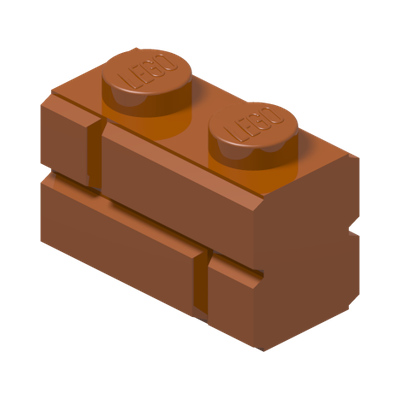
 0.09 €
Brick, Modified 1 x 2 with Masonry Profile
In this set : 1
Available : 1235

DEPARKATRE · COMPLETE A SET
Enter the set number from the box or instructions. Find parts in the matching colour, then choose new or used from our available stock.
Don’t know the set or part reference? Try our visual part finder. →
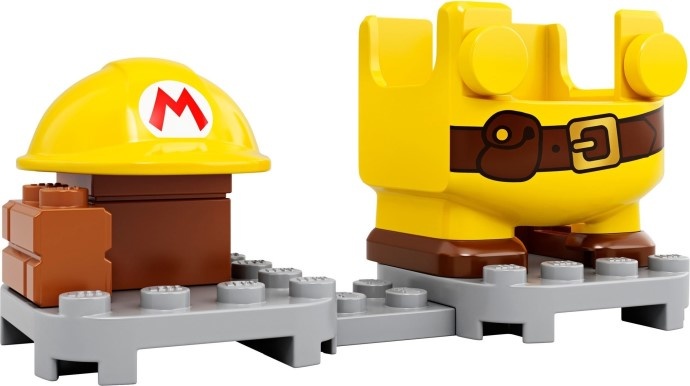
YOUR LEGO SET
8 different part/colour combinations in this set · 4 available references.
0.09 €In this set : 1
Available : 1235
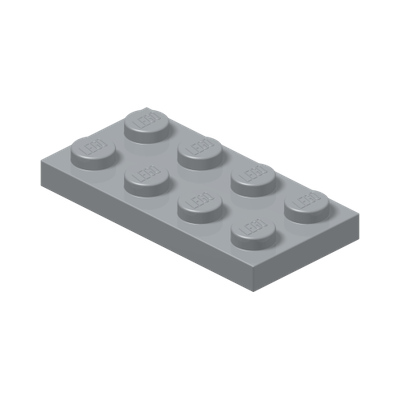 0.09 €
In this set : 1
Available : 45
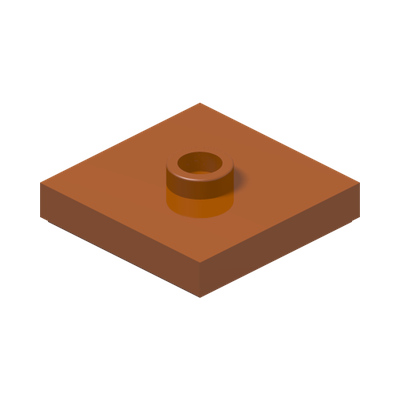 0.05 €
In this set : 1
Available : 10
 0.03 €
In this set : 2
Available : 247
Lost a brick, repairing a build or completing a second-hand set? Searching by set number helps you find the part references and colours in your model without knowing every part’s name.
Look on the box or the cover of the instructions. Enter, for example, 76917 or 76917-1 in the field above. When an image is available, it appears with the result to help you check the model.
Compare the part’s shape with your instructions. Results match the references and colours in the set’s recorded parts list. Filter by name or reference to find the part you need more quickly.
Choose new or used according to the available offers. The “In this set” quantity is a guide and may differ from the number you are missing. Adding to your basket defaults to one part; adjust the quantity before ordering.
Not every set’s parts list has been recorded yet. Results show matching offers with a photo, so a part missing from the results may still belong to your model.
If you know the reference, use the parts catalogue. Parts catalogue.
For help identifying a part, read our guides or contact us with the set number and instruction step. Identification guides (French) · Contact.