
LEGO guides and collecting
How to find the instructions for an old LEGO set and order missing parts
Practical guide to identifying an old LEGO set, downloading the instructions, comparing the inventory and ordering missing parts.
Objective and audience
This guide is for parents, collectors and enthusiasts who inherit, buy or discover an incomplete LEGO lot and want to: identify the set, find the official instructions, compare the inventory and order missing parts while minimising unnecessary purchases. The intent here is practical: to guide you step by step through to ordering the required references.
Identifying a set without the box or instructions
Finding a set reference without a number requires observation, method and patience. Start by collecting visual clues before starting online searches.
Observe the shape and silhouette
The silhouette of the model (car, train, boat, castle) already narrows the field. Note the approximate size, the presence of a specific chassis, rails or unusual wheels. A clear front and back photo then helps for a reverse image search.
Spot the theme and period
LEGO themes (City, Technic, Castle, Space, Town, etc.) have evolved over the decades. Parts, colours and styles (plastic hues, matte/gloss finishes) point to an approximate period (1970s–80s, 1990s, 2000s…). Minifigures are an excellent indicator: helmet, printed torso, hairstyle and accessories often change by era.
Identify minifigures and characteristic parts
Minifigs often have easily recognisable prints or accessories. Some rare parts (a car windscreen, a wagon roof, printed elements) are major clues. Take close-ups of unique parts: markings, engravings or special shapes.
Look for discreet numbers
Set numbers sometimes appear under plates, inside a shell or on an internal notice of a minifigure. Look for a small number stamped on specific parts: this can point to a part number, which can then be triangulated to the set.
Useful tools and databases
Several resources make it easier to find an instruction and an inventory. Here is how to use them effectively.
LEGO Customer Service (official site)
LEGO often provides instruction PDFs via its customer service. It is the most reliable and legal source for downloading original instructions when available. Search by set number if you have it, or browse the archives by year.
Rebrickable
Rebrickable centralises inventories and instructions (official links when they exist) for thousands of sets. You can: search by image, by name, import your inventory, compare available parts and generate a list of missing parts. Rebrickable also offers tools to rebuild a set from a bulk lot.
BrickLink and BrickOwl
BrickLink is the largest marketplace for new and used LEGO parts between private sellers; BrickOwl is a friendly alternative. Use them to consult detailed set inventories, spot colour variants and assemble shopping lists (Wanted List / Wanted List Manager).
Finding and downloading the assembly instructions
Always start with LEGO Customer Service for official instructions. If you don’t have the set number, use Rebrickable or BrickLink first to identify the set: their set pages often include a link to the official PDF instruction, or to scans provided by the community.
Practical tip: keep the PDF instruction locally and print only the pages needed during reconstruction to limit waste.
Search by set number and understand editions
If you find a set number (generally 3 to 7 digits depending on the era), the search is quick. Beware of variations: reissues, promotional versions and regional markets can share a name but have different inventories. Check the exact inventory (list of parts) on Rebrickable or BrickLink to confirm the instruction matches your version.
Inventories: variants, colours and quantities
Inventories list each elemental reference and its colour. The same parts sometimes exist in multiple colours or finishes; it is crucial to check the colour indicated when authenticity matters.
Export and compare an inventory
Download the set inventory (CSV format or Rebrickable/BrickLink list). To compare with your lot: - Take photos and note the quantities of each identifiable part. - Enter your findings into a spreadsheet or Rebrickable’s import tool. - The system will automatically flag missing parts and surpluses.
Create a list of missing parts
Once the inventory has been compared: - Export the list of missing parts in CSV or use the "Wanted List" function on BrickLink/Rebrickable. - Group identical references (part ID + colour) and note the actual quantities required. - Filter printed/unique elements (which often cost more) and mark those for which you accept a substitution.
Ordering missing parts — practical steps
1. Prioritise: order structural and printed parts first, then the small bricks. 2. Search each reference on BrickLink/BrickOwl and on specialised resellers like DEPARKATRE: https://deparkatre.fr/pieces-detachees 3. Compare condition (new/used), exact colour and seller photos. 4. Check quantities available across several sellers to limit postage costs. 5. Order only the required references — avoid buying general lots if you are looking for a specific part.
Useful link: DETACHÉES parts page on DEPARKATRE — https://deparkatre.fr/pieces-detachees (check the sheets for each reference before buying).
Substitutions and preserving authenticity
If an original reference is unobtainable: - Look for an equivalent modern part of the same shape and size; the colour can be replaced if the final appearance matters less. - Avoid substitutions for printed/engraved parts if you aim for a 100% authentic rebuild. - For very rare parts, seek second‑hand examples in good condition rather than a non‑official reproduction.
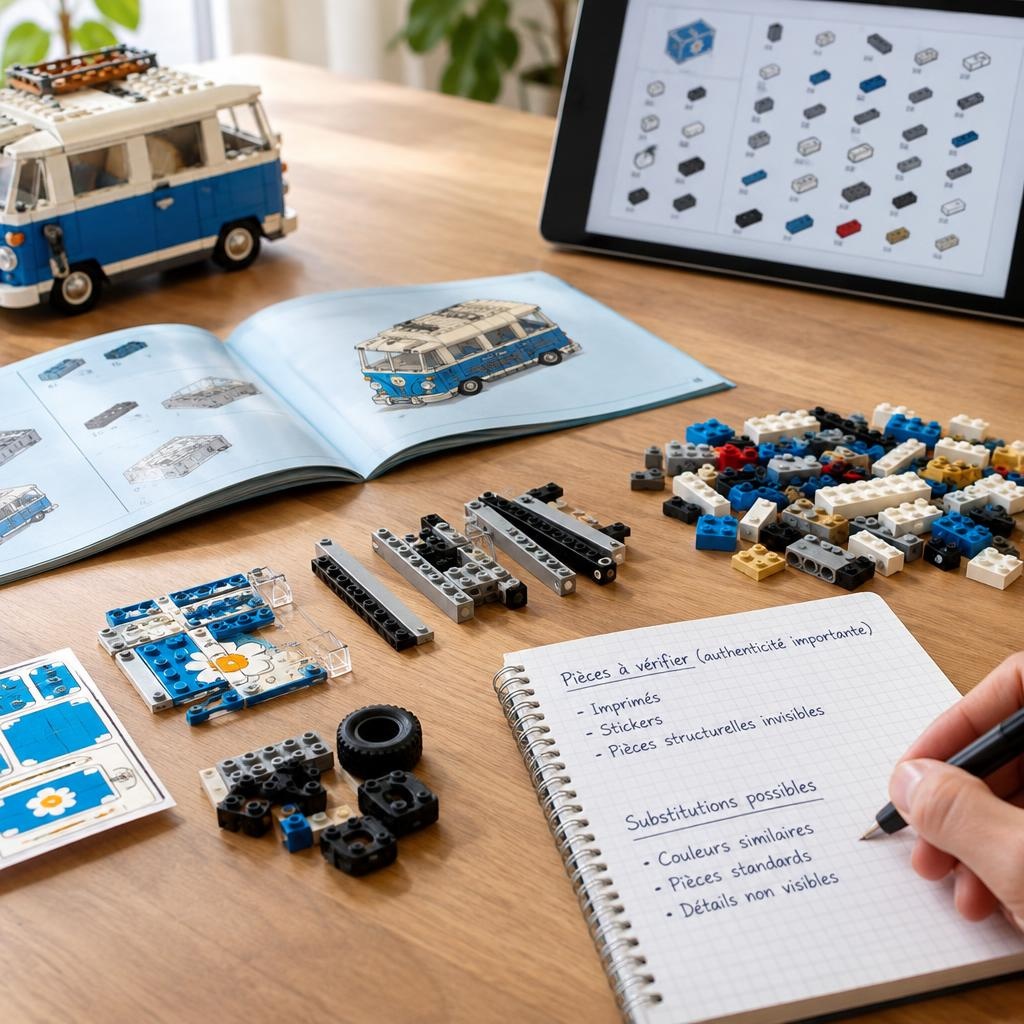
Tip: note the parts for which authenticity is important (prints, stickers, hidden structural parts) and those where a substitution is acceptable.
Search for a rare part by its visual characteristics
If you have the part in hand but no reference: - Look for a part or mould number under the piece (stamped number or character). This number often allows a direct search. - Note dimensions, presence of clips, special studs, or inscriptions. - Use reverse image search and the part galleries on BrickLink/BrickOwl/Rebrickable. - As a last resort, post a clear photo in specialised forums or collector groups specifying colour and dimensions.
Concrete example of reconstruction (step‑by‑step method)
Situation: you have a lot containing the shell of an old vehicle and some minifigs, without a set number.
1. Photograph the shell, front and underside, as well as the minifigs and distinctive parts. 2. Identify the theme by the minifigs and vehicle shape (e.g. truck, formula, boat). 3. Search on Rebrickable with keywords and by image; check the set pages suggested. 4. Download the official instruction via LEGO Customer Service or the link on Rebrickable as soon as the set is identified. 5. Download the set inventory and import it into a spreadsheet; compare with your parts. Mark the missing ones. 6. Export the list of missing parts and create a "Wanted List" on BrickLink; also search the references on DEPARKATRE: https://deparkatre.fr/recherche-piece 7. Select sellers offering the correct quantities and conditions, order structural and printed parts first. 8. On delivery, check each reference and assemble progressively using the downloaded instruction.
FAQ
Q: Where can I download a LEGO instruction for free? A: Start with LEGO Customer Service (official site) — it often offers free PDFs. If you don’t have the set number, identify the set via Rebrickable or BrickLink and follow the link to the available instruction.
Q: How do I identify a set without a number? A: Photograph distinctive parts and minifigs, note the theme and silhouette, use Rebrickable/BrickLink for image or keyword search, and check inventories for confirmation.
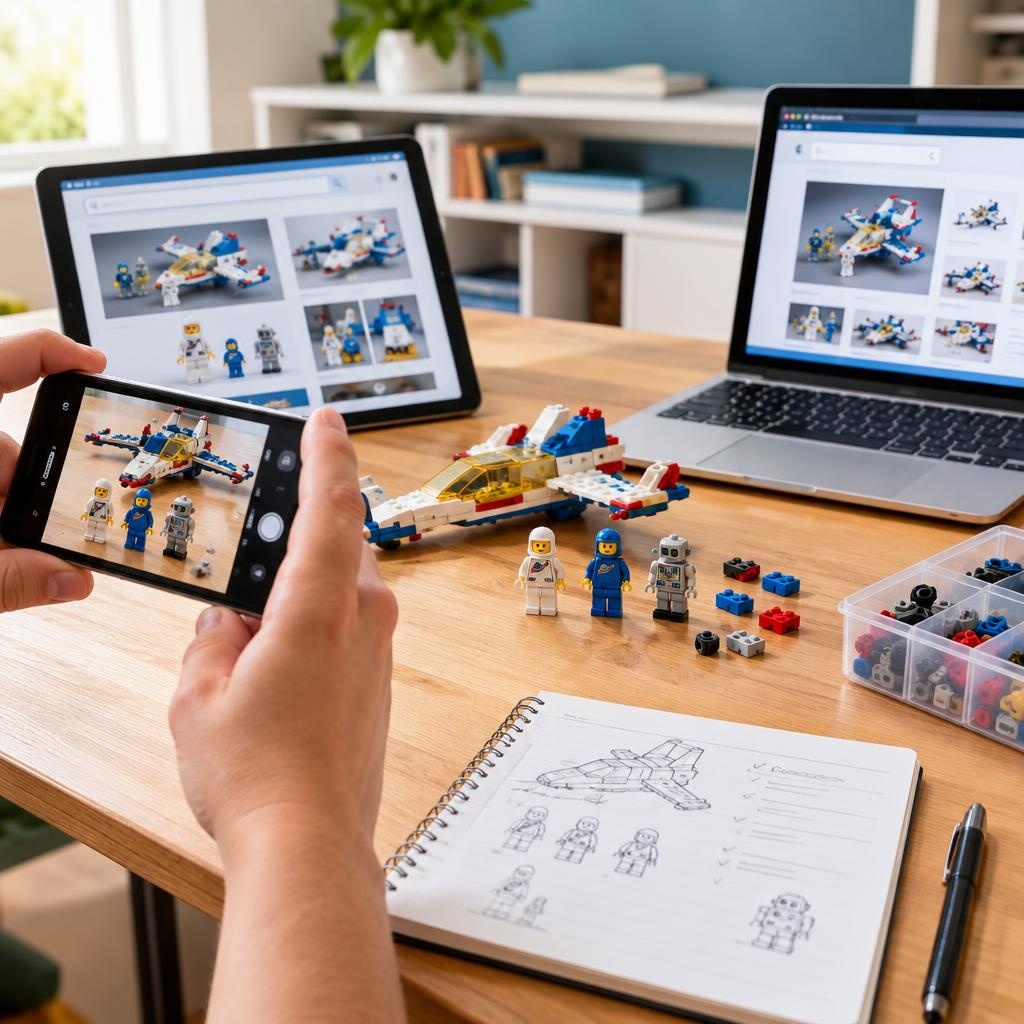
Q: Can you rebuild a LEGO from the 1980s? A: Yes. Instructions often exist as PDFs via LEGO or community archives. Rare parts can be harder to find, but BrickLink, BrickOwl and specialised resellers generally allow the reconstruction of most sets.
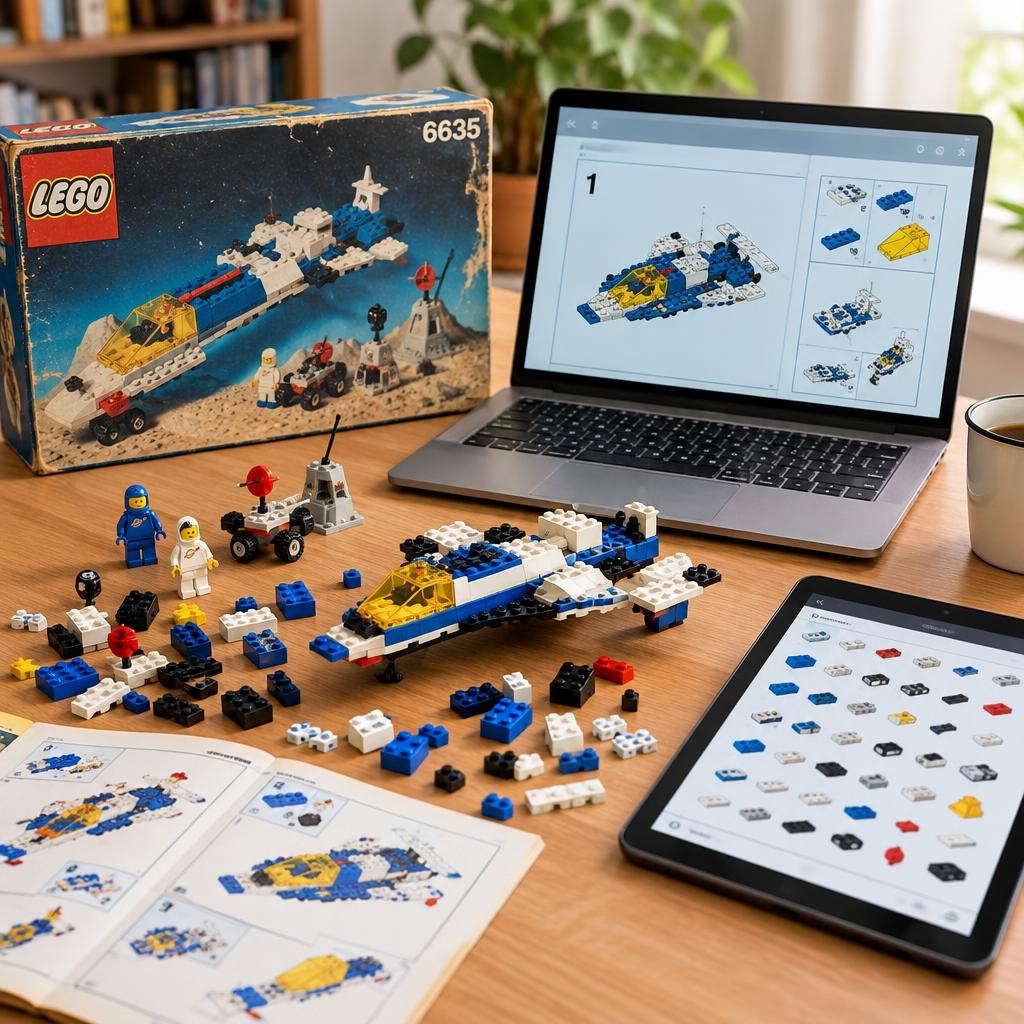
Q: How do I order missing parts? A: Create a list of missing parts (Wanted List), compare offers on BrickLink/BrickOwl and resellers like DEPARKATRE (https://deparkatre.fr/pieces-detachees), check colour, quantity and condition before buying, and prefer to buy only the necessary references.
Conclusion and good practices
- Take the time to identify the set correctly before buying anything. A clear parts list avoids redundant purchases. - Download the official instruction as soon as possible and work part by part. - Prioritise buying rare and printed parts, then complete with common bricks. - Use Rebrickable, BrickLink and BrickOwl to find inventories and sellers, and complete your searches with specialists like DEPARKATRE: https://deparkatre.fr/pieces-detachees.
If you wish, send me photos of the lot (shell, minifigs, distinctive parts): I can help you identify the set and prepare the list of missing parts to order.